
After trying several other ways of blogging on the tab 2 I am wondering if this isn’t the easiest way after all
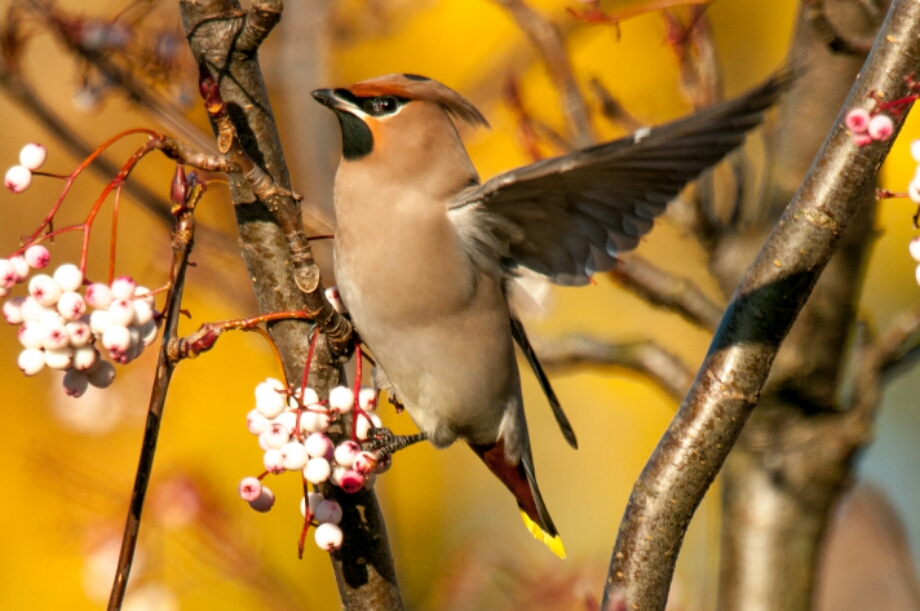
Waxwing
This works if you tap the bottom right button. With the photo you can also click the bottom right edit button and resize, align and name the photo.
Bold
Italic
Strike through
Underline
Then this has quotation marks around it. Now as long as I can figure out how to send it and add tags I will be happy enough with it.
As it happens I had to use the soft back key on the face of the pad to get back to the main WordPress interface. The blog had been saved as a draft, though, and could be further edited from there by hitting the edit button.
When you return you can tap on the post settings to do other usual stuff to the post
You should bear in mind that if you insert an image that is too large for WordPress, it will not warn you as the desktop version does. Instead it appears to upload the post but when you look at the posts page you see that the app has marked the post as “draft”. This enables you to reduce the size of the image before trying to repost